
How to Set Up a Digital Snooker Scoreboard on an Android TV
Plan the TV, tablet, local connection and remote controls, then verify the whole scoring workflow before opening.
Choose a readable supported display
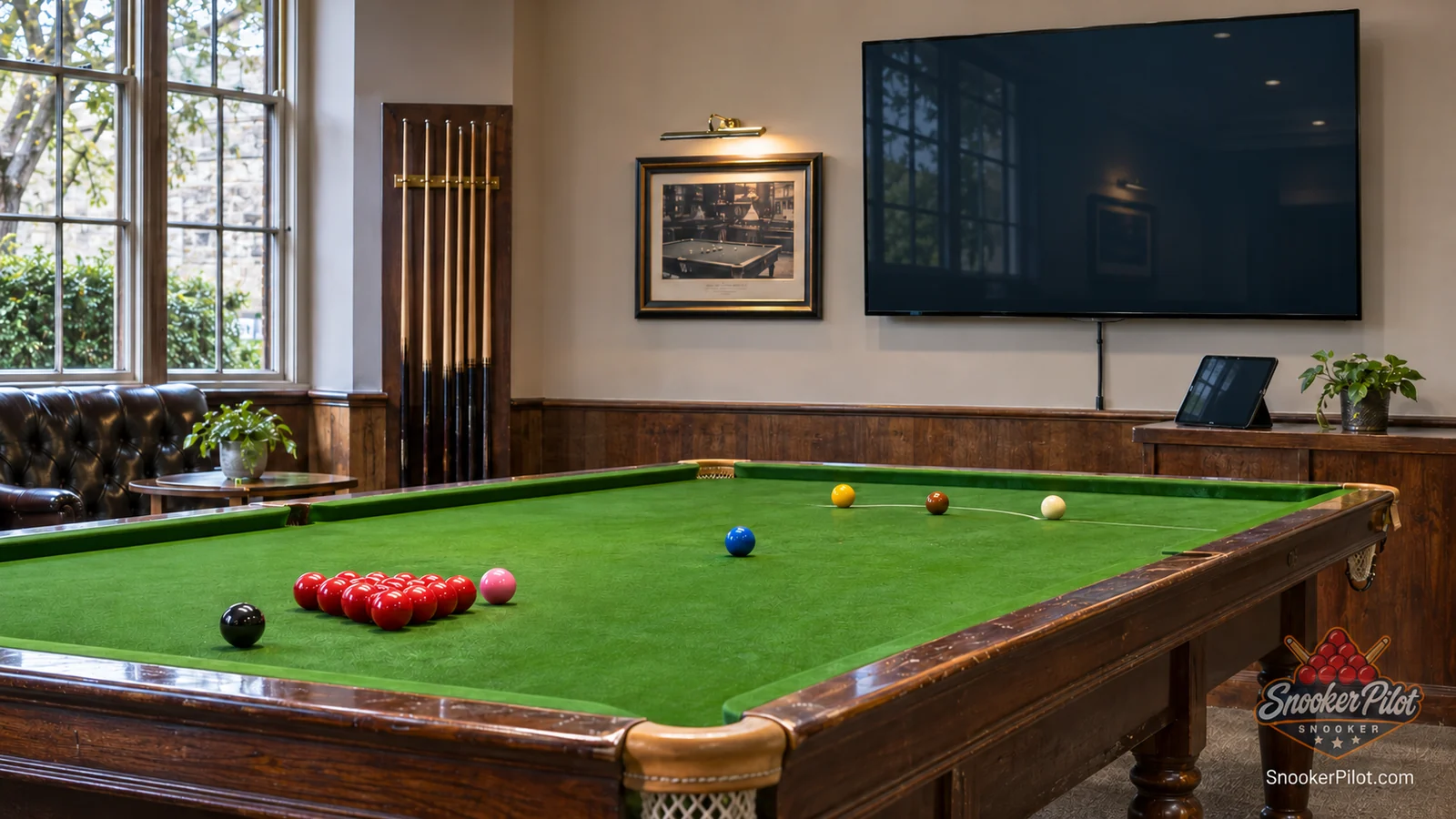
Use a supported Android TV or Android TV box and the correct SnookerPilot TV application. Check viewing distance, glare, mounting and access to power before deciding on a screen. The scoreboard should be legible from the players’ normal positions. A high-resolution panel alone does not fix a poor location. Confirm installation compatibility with your actual device rather than assuming every smart-TV operating system runs Android apps.
Connect the correct table and tablet
Activate the club’s tablet account and choose a table allowed by its package. Keep the tablet and TV on a local network that permits them to communicate. Use the TV pairing information in the tablet’s table-connection workflow and confirm the displayed table identity. If a table is paused by a plan limit, select the permitted active table or upgrade; repeatedly reconnecting a paused table will not restore its entitlement.
How to Choose Snooker Club Management Software: A Feature Checklist
Test scoring and remote behaviour
Run a short test game with both players. Check ordinary scoring, agreed fouls, undo, history and finishing. Number keys 1–7 can score their ball values, 0 handles free ball, 9 toggles history and OK changes the selected player under the default mapping. Volume up can act as next game only if the device delivers that key to the app. Hardware interception varies; review assignments on the actual remote.
Rehearse recovery and daily use
Check the TV returns to the expected home state once connected, and test reconnection after a controlled network interruption. Show staff how to identify the table before entering points. Keep the devices powered reliably and follow the backup routine. Confirm the selected package’s appearance: Starter uses the classic scoreboard without the table visual and queue; Club and higher uses the full layout.
At your club with SnookerPilot
SnookerPilot separates tablet management from the TV’s scoring display while keeping each table’s identity clear. The tablet language is followed by connected TVs. Test with real club hardware and staff, then use local history to confirm the test result and charge before relying on the setup during a busy session.
Compare the packages